Local-first cloud discovery for macOS
Scan the environment. Deliver client-ready documentation.
Import an export or connect live. Organize the tenant into a clean inventory, generate editable technical documentation, and export the finished report, without sending your client’s data to our servers.
Universal app · Intel + Apple silicon · No account · No subscription · License key emailed after checkout
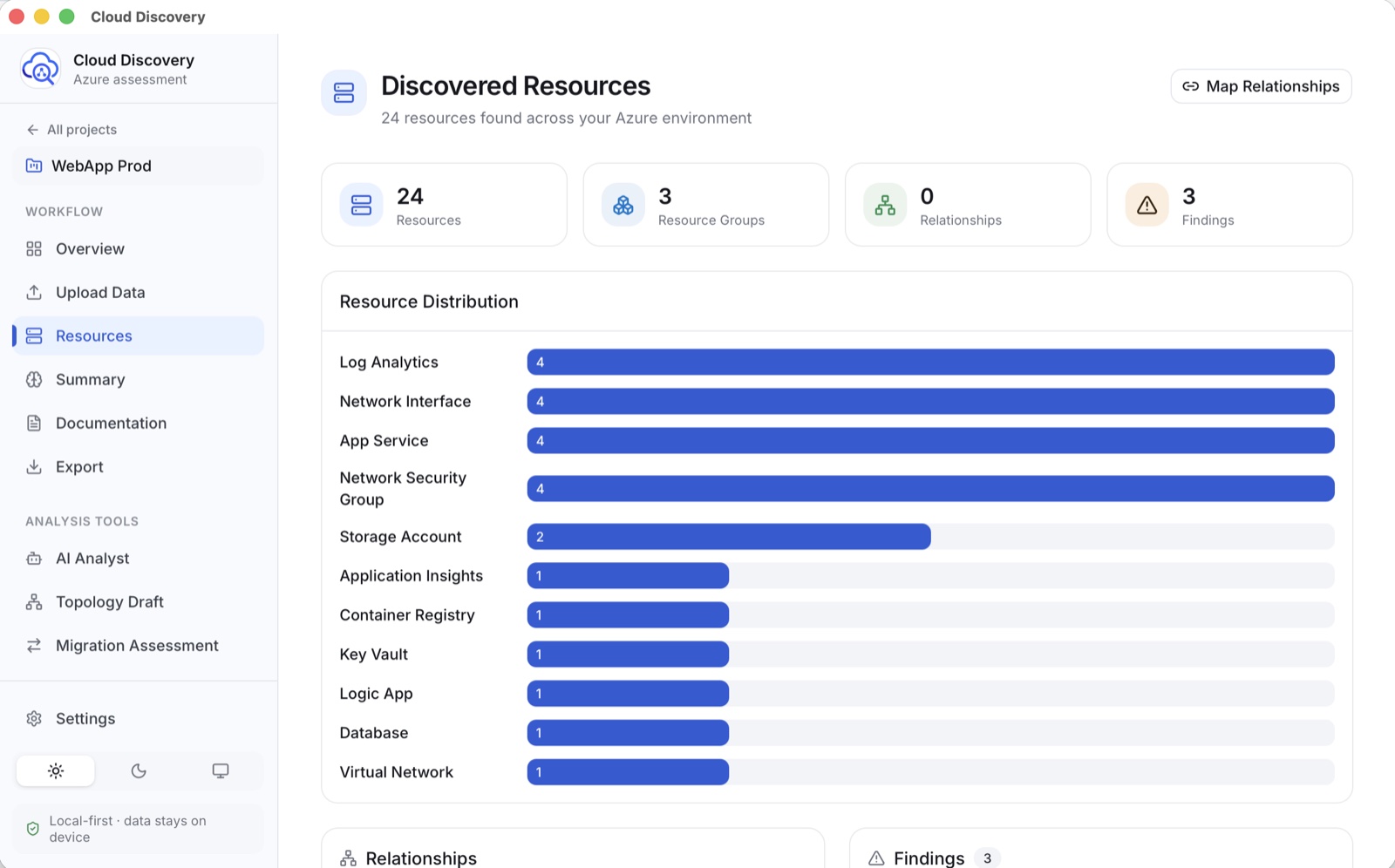
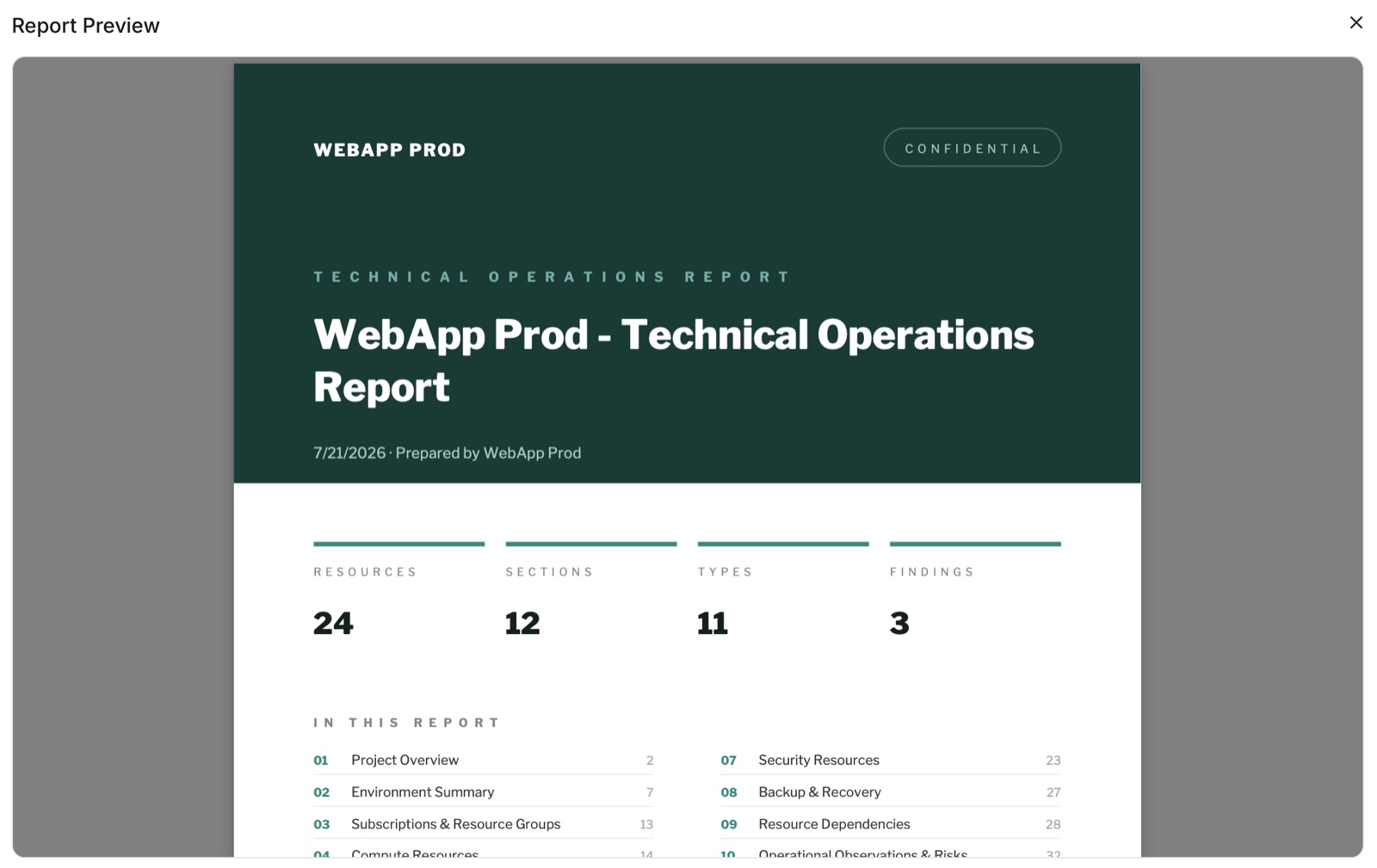
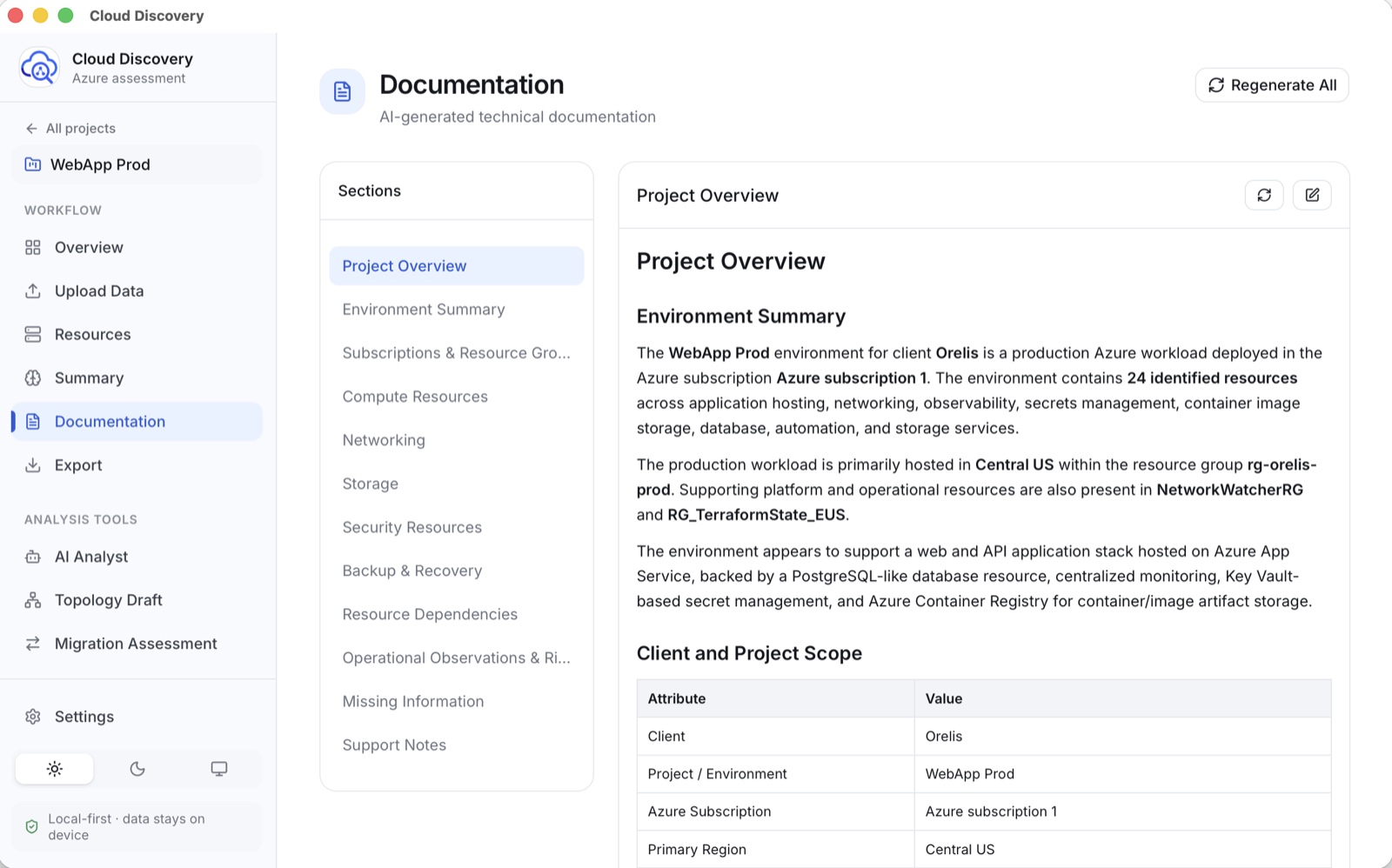
One tenant scan in. A structured inventory, editable documentation, and polished PDF out.
The scan is the input. The documentation is the work product.
Scan
A clean inventory, not another raw export.
Classify resources, surface resource types and findings, and give the environment a shape you can explain.
Document
Tenant documentation that stays editable.
Generate the environment summary, resource sections, dependencies, risks, and missing information. Then review every section before delivery.
Deliver
A report that already looks ready for the meeting.
Edit the documentation, choose a visual style, add your company details, then export to PDF or Markdown.
Grounded AI investigation, relationship mapping, and migration readiness are there when the engagement calls for them.
Your client’s data never enters our cloud. We don’t have one.
Projects live in a local SQLite database. API keys stay in the macOS keychain. When you explicitly use AI or live discovery, your Mac connects directly to the provider you chose, never through a Cloud Discovery backend.
One purchase. Every assessment.
No seat negotiation, no recurring invoice, no client data sitting in another SaaS. The license includes future updates, including AWS and Google Cloud support when they ship.
Your license key is emailed automatically after checkout, usually within a couple of minutes. If it has not arrived, check spam, then write to contact@zoniteai.com. You can download and explore the app before your key lands.
Version 1.0.3 · Universal · 21 MB · signed and notarized by Apple
SHA-256 7609478377b3d1b8b5fac0403c1088c80d7d5203f5c613ef5b3bf1c3deccc39e
The short answers.
Need something else? Ask us directly.
Does client data leave my Mac?
Cloud Discovery has no cloud backend and does not upload your project database to ZoniteAI. If you explicitly run AI or live Azure discovery, your Mac sends the necessary request directly to the provider whose credentials you configured.
Does the $49.99 include AWS and Google Cloud?
Yes. Azure support is available today. AWS and Google Cloud are on the roadmap, and those updates are included with your purchase at no extra charge.
Do I need an OpenAI or Anthropic key?
Only for AI-assisted features. Core project and export workflows remain local. When you use AI, you bring your own provider key and pay that provider directly; a full assessment typically costs about $0.05. The app ships with a model picker and recommends a balanced default (GPT-5.6 Terra on OpenAI, Claude Sonnet 5 on Anthropic), so you can run drafts on a cheaper model and switch to a stronger one for the report you hand a client. The AI setup guide lists every supported model and what each costs.
What Azure permissions does it need?
Reader at subscription scope, and nothing more. Cloud Discovery only issues read requests to Azure Resource Manager, so it cannot create, change, or delete a resource. Reader also covers the control plane only, which means it can see that a Key Vault exists and how it is configured, but not the secrets inside it. You can scope the role to a single resource group if a client prefers. The setup guide has the exact command.
What Mac and file formats are supported?
The universal build runs on Apple silicon and Intel Macs. You can start from CSV, JSON, or Excel exports, or connect directly to Azure when you choose.
What is the difference between Quick Scan and Deep Scan?
Quick Scan lists every resource with its basic metadata. Deep Scan also reads the configuration of common resource types, so it sees things an inventory cannot: NSG rule detail, subnet address ranges, TLS and HTTPS enforcement. That is what turns a list into an assessment, and it is why a Deep Scan report can tell a client that a security rule allows SSH from any source. It also builds the dependency map from real API responses rather than inferring it from naming, so the relationships you hand over are observed rather than guessed. Deep Scan takes longer and is the one to run for a deliverable.
What if it doesn’t work out?
Fourteen days, no questions asked. Email contact@zoniteai.com within 14 days of purchase and you get a full refund. You keep your project files either way; they were never on our servers to begin with.